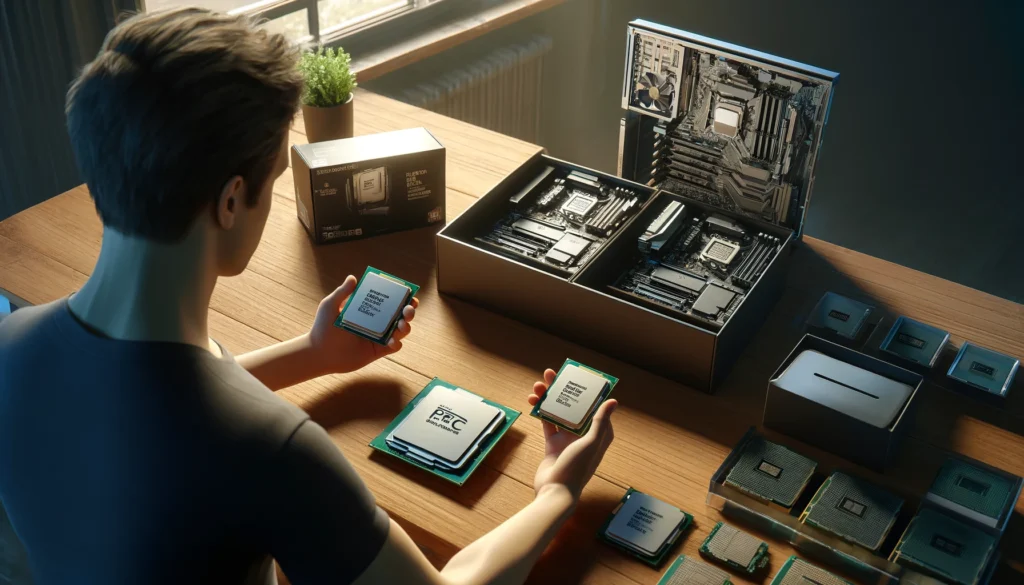
Choosing the best processor for your custom PC is one of the most important steps in building a powerful and efficient machine. Whether you’re planning a gaming rig, a video editing workstation, or a productivity powerhouse, the CPU is the brain of your system — and getting it right makes all the difference.
In this guide, we’ll walk you through everything you need to consider when picking the perfect processor, from understanding the different CPU categories to knowing what specs truly matter.
Why the CPU Matters So Much
Your processor affects:
- The speed of your entire system
- How well your computer can multitask
- The performance in gaming, video editing, streaming, and daily use
- How long your PC will stay relevant and upgradeable
Choosing the wrong CPU can bottleneck your system, meaning other powerful components won’t perform at their full potential.
Understand the Two Main CPU Brands: AMD vs Intel
In 2025, both AMD and Intel offer excellent processors. But each has strengths depending on your use case:
Intel CPUs – Great for High Clock Speeds
- Better single-core performance (good for gaming)
- Excellent integrated graphics in non-F models
- New hybrid architecture (Performance + Efficiency cores)
AMD CPUs – Excellent Multi-Core Value
- Great multi-threaded performance (great for editing & rendering)
- Often cheaper per core
- More upgrade paths on compatible motherboards
Step 1: Define Your Primary Use Case
Ask yourself: What will you do most on your PC?
| Use Case | Recommended CPU Type |
|---|---|
| Casual browsing | Entry-level CPU (e.g., Intel i3, Ryzen 3) |
| Gaming | Mid-range CPU (e.g., Intel i5, Ryzen 5) |
| Video editing/rendering | High-core CPUs (e.g., Intel i7/i9, Ryzen 7/9) |
| Streaming while gaming | Strong multi-core CPU (e.g., Ryzen 7) |
| 3D modeling, CAD | Workstation-class CPUs (e.g., Threadripper) |
Knowing what you’ll do most helps avoid overspending on unnecessary power or under-powering your system.
Step 2: Match the CPU to Your GPU
A powerful GPU needs a processor that won’t slow it down. This is known as avoiding a bottleneck.
For example:
- Pairing an NVIDIA RTX 4060 with a Ryzen 5 7600 is balanced.
- Using that same GPU with a low-end Intel i3 might limit your FPS in games.
Use tools like “bottleneck calculators” online to simulate combinations and see if your CPU can keep up with your GPU.
Step 3: Understand the Key CPU Specs
Here’s a breakdown of important processor specifications:
1. Cores and Threads
- More cores = better for multitasking and complex tasks
- For gaming, 6 cores is usually enough
- For editing or streaming, aim for 8+ cores
2. Clock Speed (GHz)
- Higher clock speeds = faster performance in single tasks
- Modern CPUs have boost clocks that increase during heavy use
3. Cache
- More cache = faster data access for repeated tasks
- Good mid-range CPUs often have 16–32MB of cache
4. TDP (Thermal Design Power)
- Indicates heat output and power consumption
- Affects your choice of cooling solution
Step 4: Compatibility Check – Motherboard & Chipset
Not all CPUs fit all motherboards. Before buying:
- Check the socket type (e.g., AM5 for new AMD, LGA 1700 for new Intel)
- Verify if your motherboard BIOS supports the chosen CPU
- Choose a chipset that supports all the features you need (like PCIe 5.0, USB 4.0, overclocking)
Step 5: Future-Proofing vs Budget
Ask yourself:
- Do I want this build to last 2 years? Or 5+ years?
- Will I upgrade other parts later?
If you want to future-proof your build:
- Invest in a CPU that supports new standards (DDR5, PCIe 5.0)
- Choose a platform (like AMD AM5) that will support future generations of CPUs
If you’re tight on budget, consider last-gen CPUs that still offer amazing performance.
Recommended CPUs by Budget (2025)
Here are some strong choices by budget tier:
🔹 Budget ($100–$150)
- Intel Core i3-14100F
- AMD Ryzen 5 5500
🔹 Mid-Range ($200–$300)
- Intel Core i5-14400F
- AMD Ryzen 5 7600
🔹 High-End ($350+)
- Intel Core i7-14700K
- AMD Ryzen 7 7800X3D
Mistakes to Avoid When Choosing a CPU
- Buying a high-end CPU without enough cooling
- Ignoring compatibility with your motherboard
- Spending too much on the CPU and too little on GPU
- Not considering your actual use case
- Forgetting about BIOS updates for newer CPUs
Final Advice: Find the Sweet Spot for Your Needs
The best processor for your custom PC is the one that fits your budget, your tasks, and your future goals. You don’t always need the newest or the most expensive chip — what matters is balance.
Research your needs, match your CPU to your GPU and motherboard, and don’t be afraid to go with last-generation options if they still offer strong value.
When in doubt, go for a modern mid-range processor like a Ryzen 5 or Core i5 — they’re versatile, powerful, and perfect for most custom builds in 2025.